iMessage PDF Export
Export iMessages to PDF from supported backups
Proof Me Hard helps you export iMessages to PDF from supported backups and Mac Messages data while keeping sender, recipient, timestamp, media, notes, and source context visible when the source preserves it.
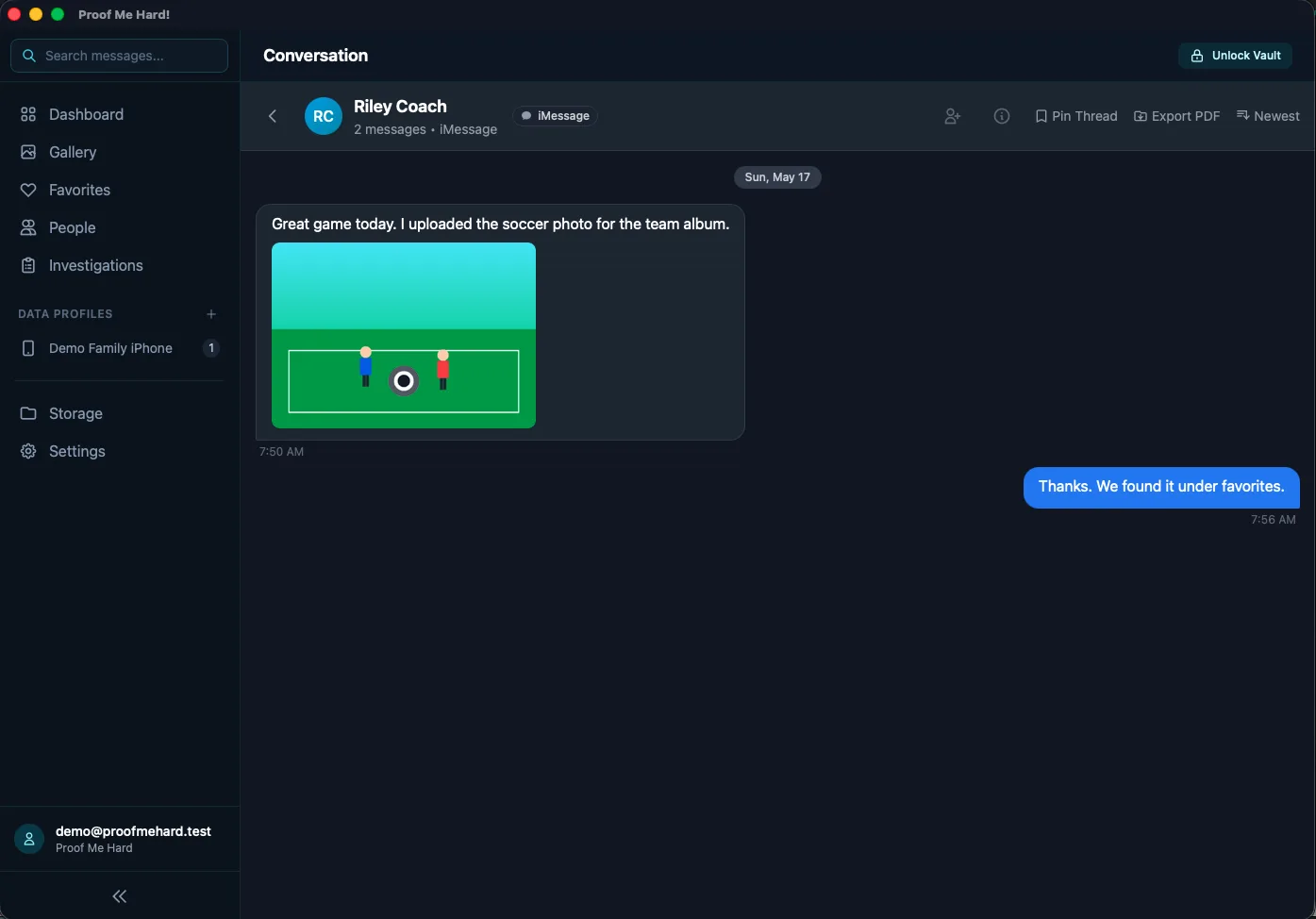
Representative product screenshot with demo data. Results depend on what the source preserves.
What this page is for
- Create a focused iMessage PDF report instead of sharing an entire private library.
- Prepare selected conversations, media, notes, and timestamps for personal review, attorney review, or another authorized handoff.
- Keep the original source context visible so a reviewer can understand where the exported records came from.
What Proof Me Hard can do
- Export selected iMessage records to a clean review package.
- Include sender, recipient, timestamp, source profile, notes, and media references when preserved and selected.
- Review the material locally before deciding what should be shared.
- Use macOS source paths for local iPhone/iPad Finder backups and Mac Messages data when required.
What depends on the source
- Exports depend on what the backup, Mac Messages data, or source export still contains.
- Proof Me Hard cannot create deleted messages, missing media, or metadata that the source did not preserve.
- Court use depends on jurisdiction, collection process, chain of custody, and attorney guidance.
Related questions this page answers
These are common ways people search for the same workflow, evidence, media, and export problems.
How this fits the workflow
Start with an authorized source, review the preserved records locally, organize what matters, and export only the selected material you choose to share.
Import
Bring in a supported backup, local data source, Capture package, cloud restore, or official export.
Search
Find messages, media, people, dates, notes, and preserved context from one desktop workspace.
Organize
Collect selected records into investigations, timelines, notes, and review sets.
Export
Create a focused export package only from the records you decide to share.
Helpful support pages
These pages explain source requirements, export behavior, privacy boundaries, and troubleshooting paths in more detail.
Legal and source limits
Proof Me Hard is for records you own or are explicitly authorized to review. It does not guarantee deleted-message recovery, court admissibility, chain of custody, forensic certification, or legal outcomes. The software surfaces what supported sources preserve and helps you organize selected records for review.
Questions people ask
Short answers for common search questions before someone starts a trial or downloads the desktop app.
Can I export iMessages to PDF?
Yes. Proof Me Hard can create PDF-oriented export packages for selected iMessage records when the supported source contains the messages and context needed for export.
Does the PDF include timestamps and media?
Exports can include timestamps, sender and recipient context, media references, notes, and source details when those records are preserved by the original source and selected for export.
Can Proof Me Hard export deleted iMessages?
Only when the underlying backup or source still preserves a deleted, edited, or unsent record. Proof Me Hard does not promise universal deleted-message recovery.
Do I need a Mac to export iMessages from an iPhone backup?
Some Apple backup import paths require macOS because of how Apple stores local backup data. Windows can review supported exports, Capture packages, cloud restores, and libraries already available to the desktop app.
Are PDF exports automatically admissible in court?
No. Admissibility depends on law, collection method, authentication, chain of custody, and how the records are presented. Consult a qualified attorney for legal use.
Try Proof Me Hard with your own source.
Start with a 7-day trial, verify what your supported source preserves, and decide whether the desktop app fits your review workflow.